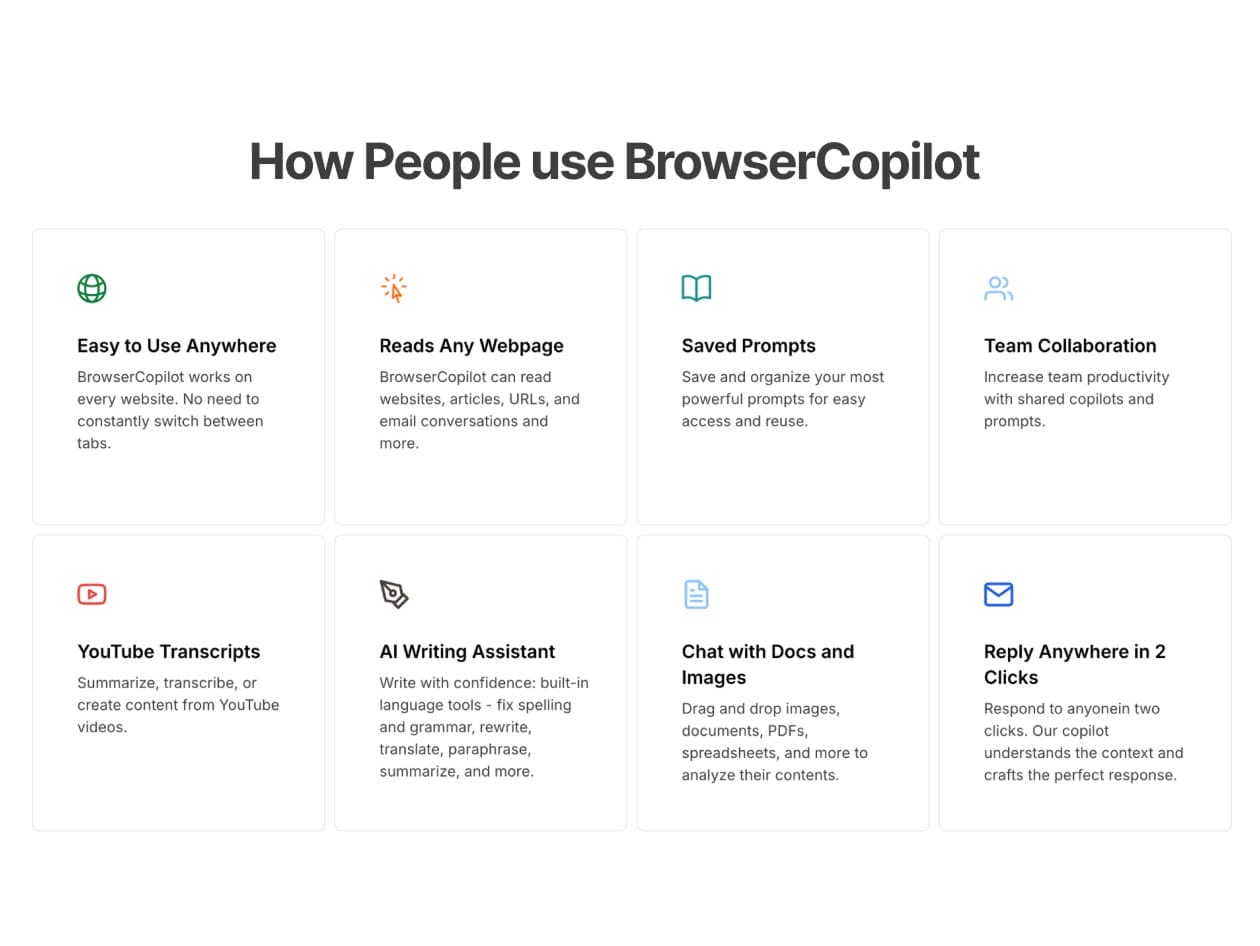
BrowserCopilot is an advanced AI-powered browser assistant for Google Chrome designed to enhance productivity and efficiency for professionals, researchers, students, and more. It fits right into your browsing experience, offering handy support for writing, research, organization, and managing tasks. By blending convenience with cool features, BrowserCopilot helps you boost your workflow and stay focused while keeping your online activities secure and private.
With awesome features like real-time help, automated task management, and content summarization, BrowserCopilot makes your browsing more efficient and enjoyable. Plus, it takes user privacy and security seriously, ensuring your information stays safe. Choosing BrowserCopilot means teaming up with a reliable tool that helps you perform better, protects your privacy, and sets a new bar for online work efficiency.
Explore the power of AI with three innovative models
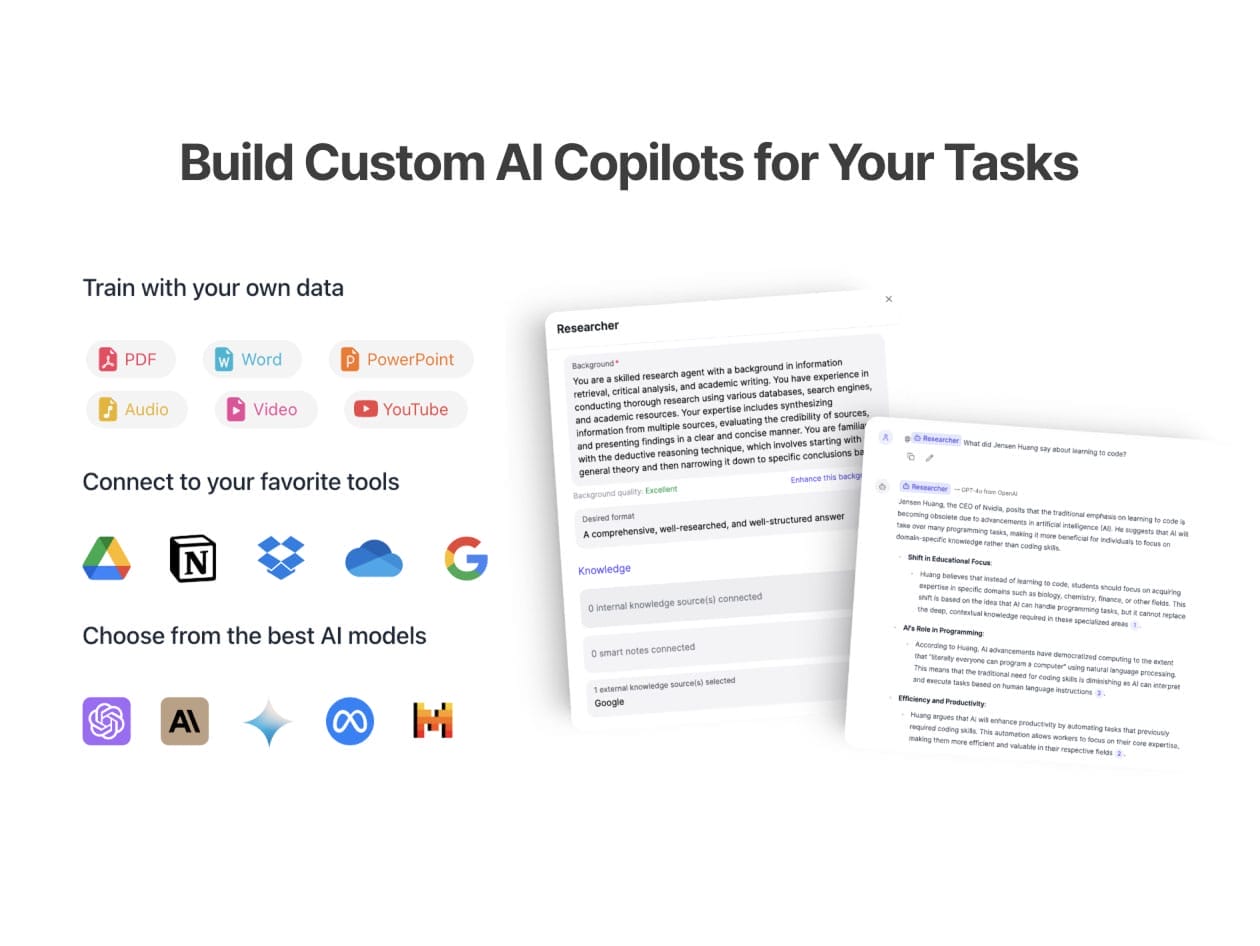
Claude ($20/mo value): Ideal for tasks requiring extensive context, intricate reasoning, coding, ethical considerations, and upholding varied writing styles.
Gemini ($20/mo value): Shines in multimodality (text, image, video) and within Google’s ecosystem
Revolutionize your workflow with personalized AI features
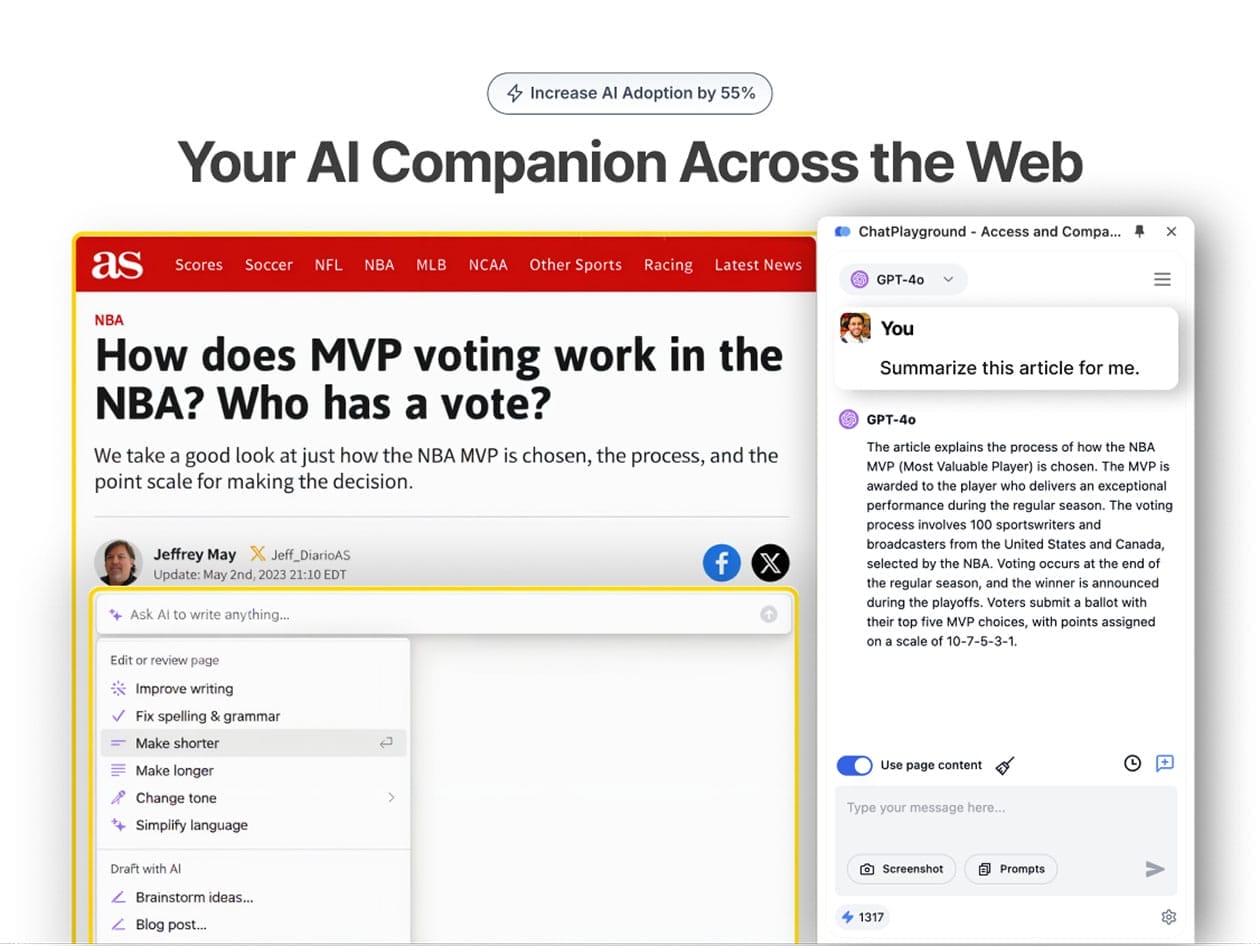
AI Companion Across the Web: Delivers instant, context-aware assistance by understanding the content of any page you’re viewing.
Custom AI Copilots: Tailor AI copilots to suit your specific tasks, workflows & tools for a personalized experience.
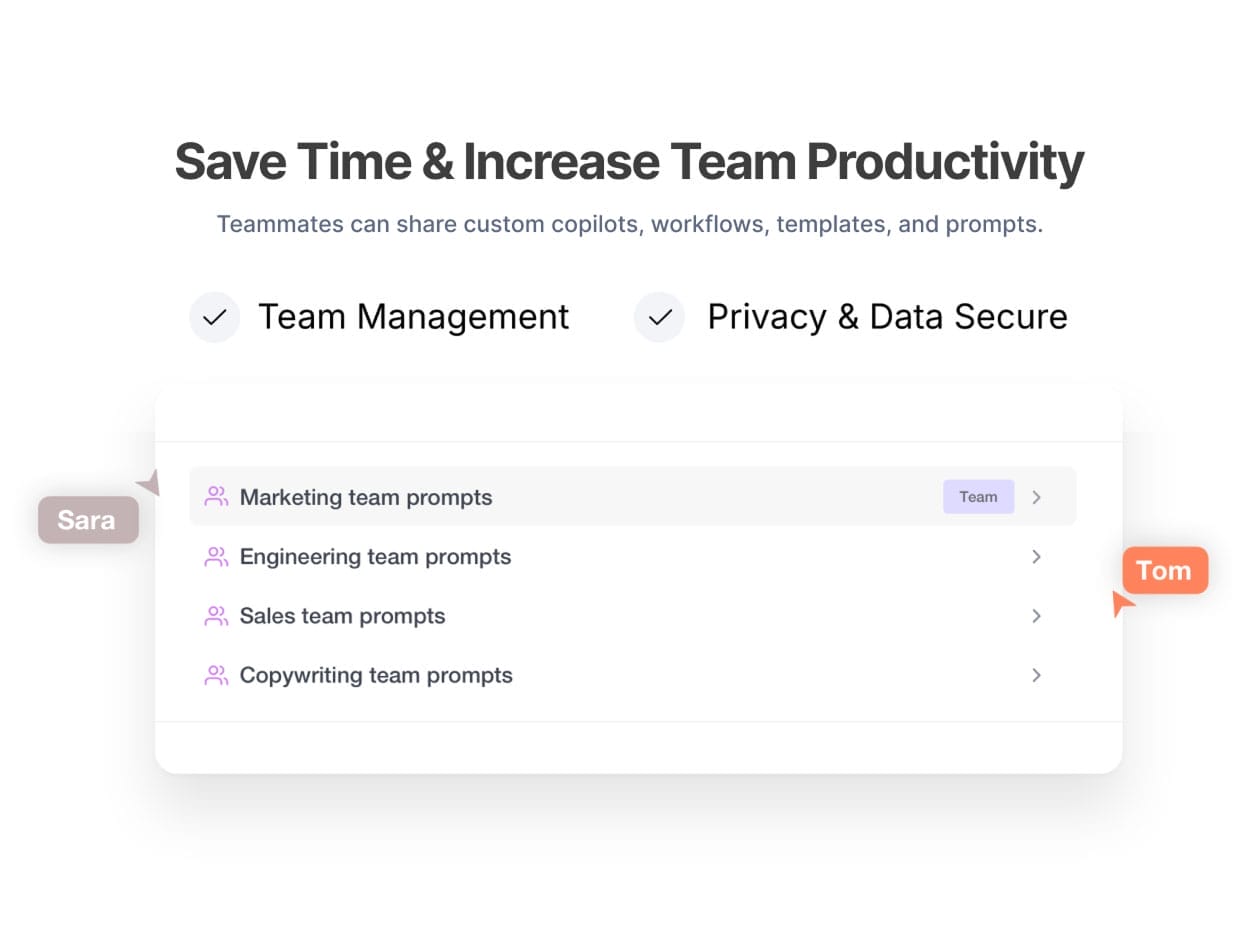
Advanced Prompt Engineering: Create, refine & save powerful prompts for consistent, high-quality results every time.
Writing & Reading Assistant: Draft, rewrite, summarize & analyze content directly in your browser, eliminating the need for copy-pasting.
AI Vision: Instantly capture & query any part of the web using advanced visual understanding.
Quick Menu: With custom prompts, you can create workflows to reply to any message.
Email Copilot: No need to copy and paste your emails to ChatGPT. BrowserCopilot understands the context of your emails.
Chat with Images & PDFs: Upload & interact with images and PDF documents for deeper insights and faster comprehension.
Saved Chat History: Easily access & revisit past conversations for continuity and reference.
Priority Customer Support: Enjoy faster responses & dedicated assistance whenever you need it most.
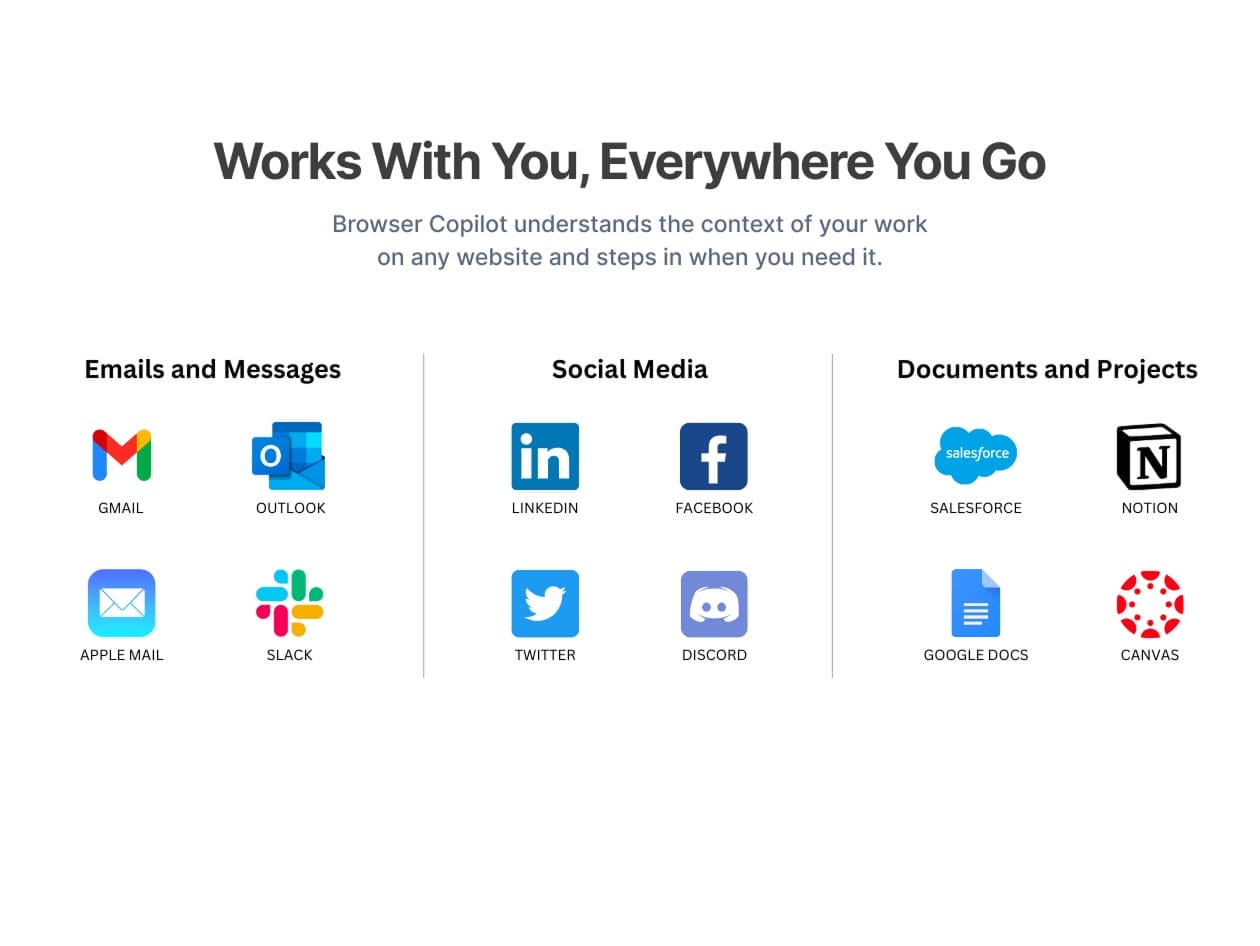
Copilot works with you, everywhere you go
Transform ideas into impactful content across every channel
Landing Page Copy
Blog Post
Resumes
Domain Names
User Guides
Essays
Release Notes
Business Cases
Newsletter
Case Studies
Engaging LinkedIn Post
Email Replies
Cover Letters
Project Charter
Ad Campaign Strategy
Social Media Content
Targeted Ad Copy
Video Scripts
Recruiting Emails
SEO Content
Customer Testimonials
And more!
Designed for privacy
The product is designed with a privacy-first architecture, ensuring that user content and AI conversations are neither stored on servers nor used for AI model training.
Love by hundreds of professionals
★ ★ ★ ★ ★
“Brilliant and easy to use – Read the reviews and decided to purchase this.I was not disappointed. Similar to another product, but does so much more.”
★ ★ ★ ★ ★
“I love how you can customize the AI to get responses that fit exactly what you need.”
★ ★ ★ ★ ★
“Excellent app. You can easily ask questions about the screen you’re viewing while web surfing if something piques your curiosity.”
★ ★ ★ ★ ★
“GREAT! Supremely useful for comparing outputs and getting lots of things done FAST.”
★ ★ ★ ★ ★
“I don’t think there’s an email I respond to, document, description, content created, or comment I write that I don’t use this tool!”
PRODUCT SPECS
System Requirements
Latest version of Google Chrome
Important Details
Length of access: lifetime
Redemption deadline: redeem your code within 30 days of purchase
Access options: desktop or mobile
Max number of device(s): unlimited
Available to BOTH new and existing users
Version: 9.3.1
Updates included
Have questions on how digital purchases work? Learn more here